
In this issue: Two powerhouse designers with 💯 workflow advice, quick tips, webinars and technical support.
Want to see something else in here? Email tara.cavanaugh@keyshot.com.

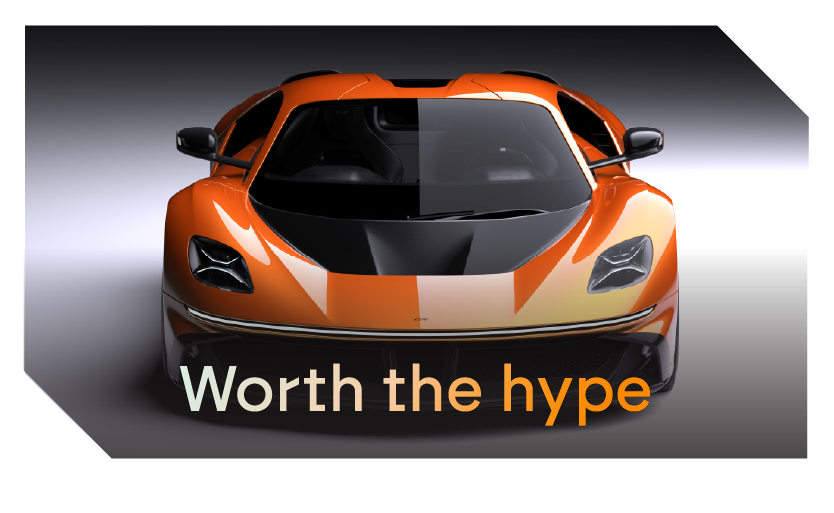
How to go from concept to hypercar in just 7 weeks? It’s called “hyperflow.”
Ángel Guerra has spent 15+ years shaping vehicles for brands like Mercedes-Benz, Porsche, and BMW. With KeyShot at the core of his “hyperflow” process, he takes designs from concept to client-ready presentation in just seven weeks — using real-time rendering to validate surfaces, explore materials, and present with photoreal confidence.
Psst: Keep an eye out for our upcoming webinar with Ángel! Submit questions you have for him here.Explore the hyperflow process

💨 Dust and smoke effects for the win
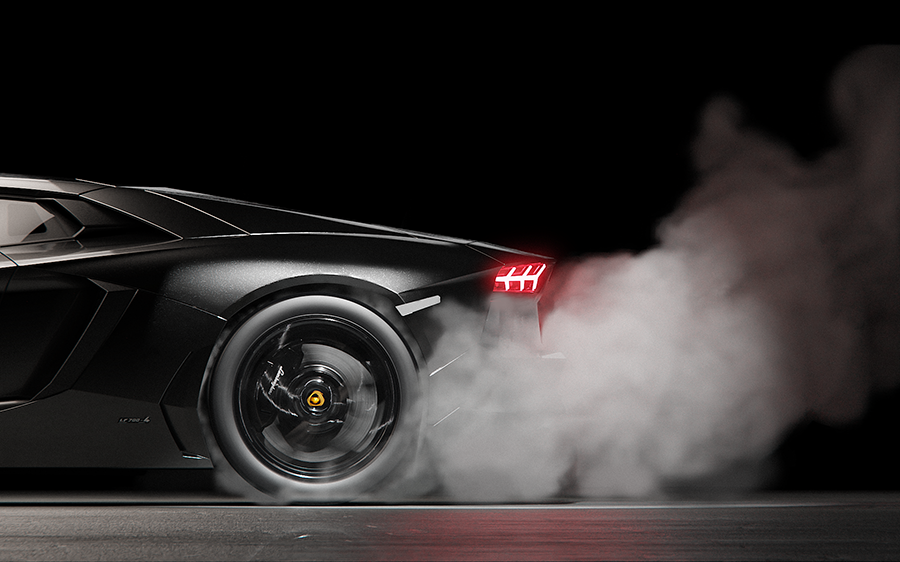
If you want to use dust and smoke effectively in your renders, this two-minute tutorial from our expert Ozan Kocaman might be exactly what you’re looking for.Watch on YouTubeWatch on Instagram

We’re listening! Send your feedback directly to KeyShot developers

Find a bug? Have an idea for a new feature? Tell us!
Send your feedback directly to KeyShot developers in the Luminaries community, the free online forum for KeyShot users worldwide. While you’re there, you can also workshop your renderings with fellow designers, find the latest tutorials, and earn points that you can redeem for great prizes, like a free year of KeyShot Studio.KeyShot Luminaries

Webinar: Retro Skills for Revolutionary Product Visuals
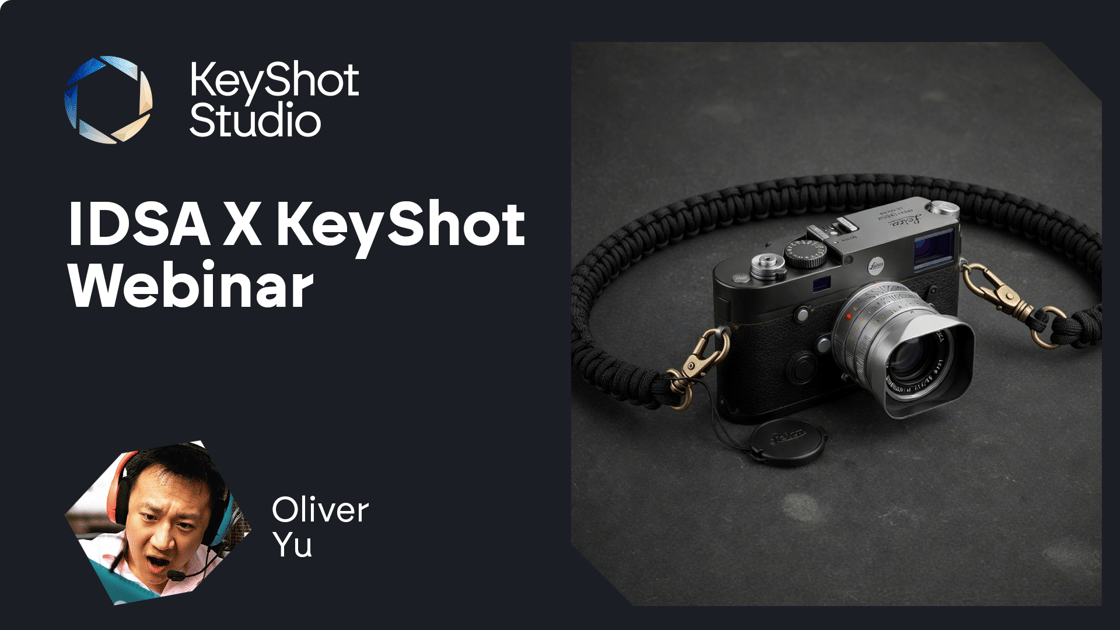
What if the secret to cutting-edge 3D design was mastering an old-school skill?
In our latest webinar, Oliver Yu — who’s worked for Sony, Microsoft, and Nintendo — reveals how his photography background transformed his approach to 3D product visualization. Oliver breaks down the lighting, composition, and rendering tricks behind hyper-realistic visuals, showing you how to blend classic techniques with modern workflows. Whether you’re just starting out or a seasoned pro, walk away with actionable skills to take your renders to the next level.
KeyShot held this webinar in partnership with the Industrial Designers Society of America (IDSA). We thank them for their partnership and support.Watch now

The award-winning designer with tips for product design success
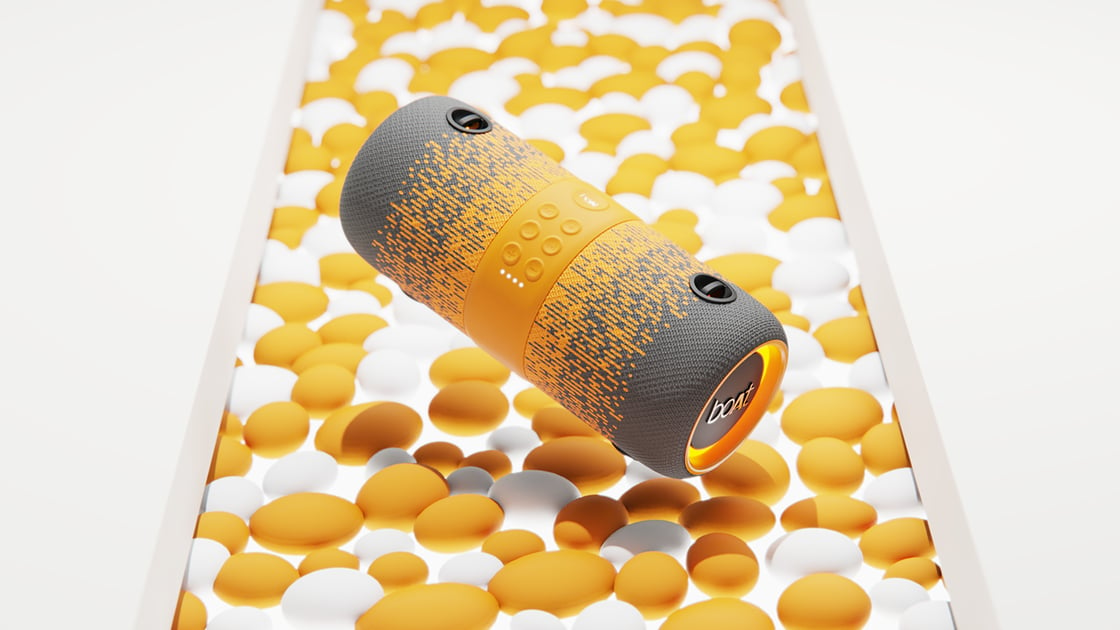
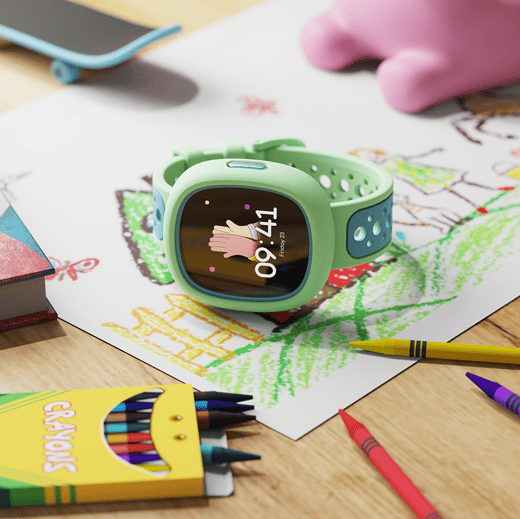

With 8 years in consumer electronics and 250+ SKUs shipped at multi-million-unit scale, industrial designer Ayush Singh knows what it takes to get a design from sketchbook to shelf. Working with global brands like Dolby, Bose, and Marvel — and earning a Red Dot Design Award to boot — means in addition to serious design talent, he also has excellent advice for product designers.Ayush’s secrets to success
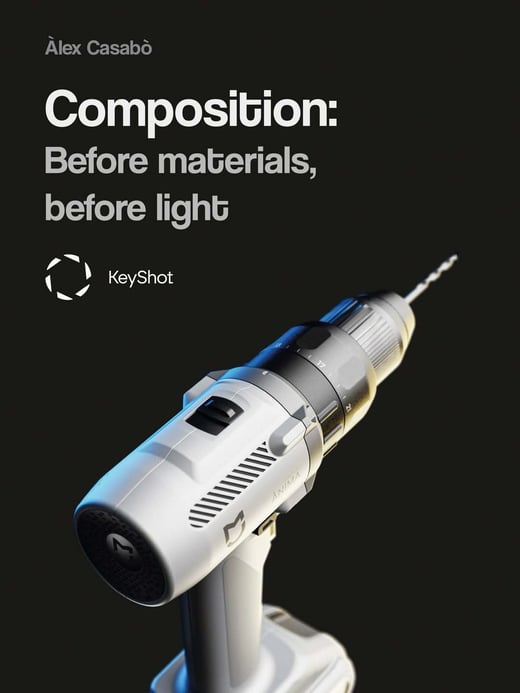
Composition tips for product designers
“If the placement is wrong, no amount of lighting or materials will save the image.”
This guide from Alex Casabo shows you how to maximize your scenes by mastering the basics of composition. Learn how to block out a scene and apply photography rules to guide the eye across your renderings.
New: Free Weekly Onboarding Support
If you’re just getting started with KeyShot, be sure to join us in our new weekly Onboarding Seminar!
Our new seminars are designed to be flexible and built around your questions. Join our weekly sessions to:
- Get your onboarding questions answered
- Learn tips and best practices from our training team
- Start off on the right foot as a KeyShot user
Drop in whenever it works for you. No pressure—just support when you need it. When you register, you have the option to include your questions so our experts can come prepared.Register for free
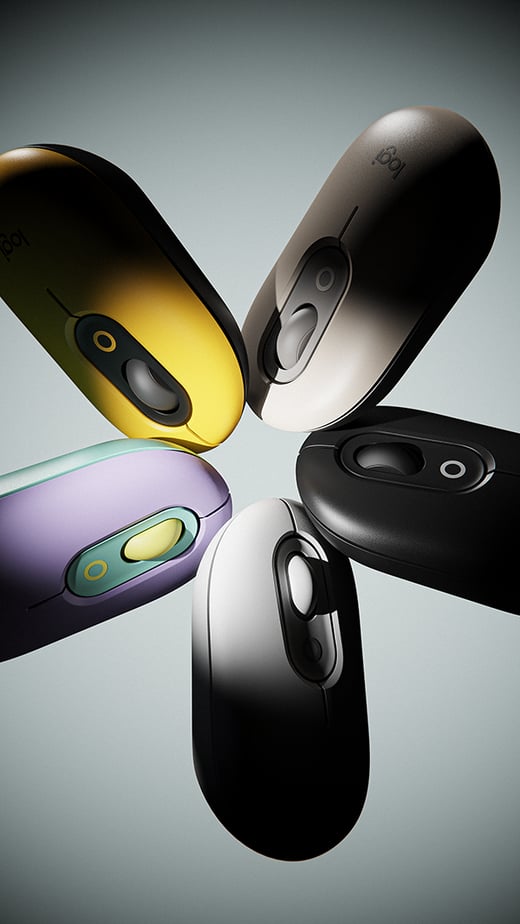
Showcase product variations with animations
1️⃣ Start by using the Make Pattern feature to duplicate your model in any direction and quantity you need. You can experiment with both nested and stacked arrangements to create visually interesting compositions.
2️⃣ Next, add a sphere inside KeyShot and use it as a pivot point. Place it at the center where you want your products to rotate, then select it as the pivot for your rotation animations. Once set, you can simply hide the sphere from the Scene panel.
Was this email forwarded to you?
Get the latest news, tips and tutorials sent to you: sign up here.


KeyShot, 575 Anton Blvd Suite 650, Costa Mesa, CA, 92626, USA, (949) 274-8871

 RJ Hamster